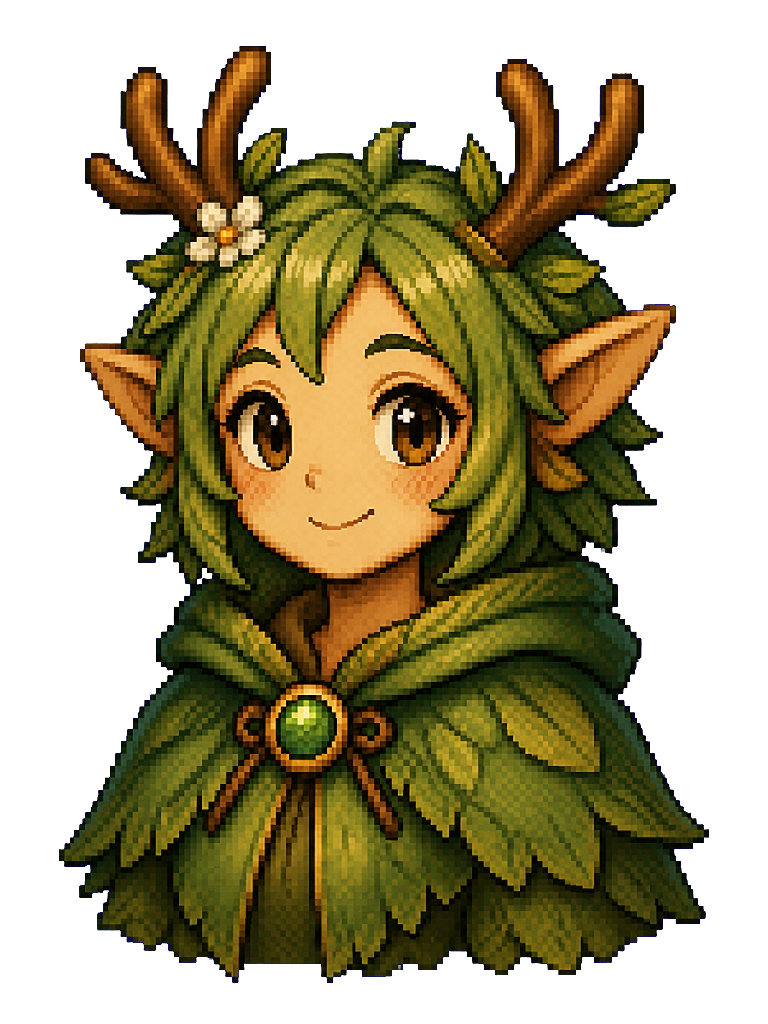
Meli
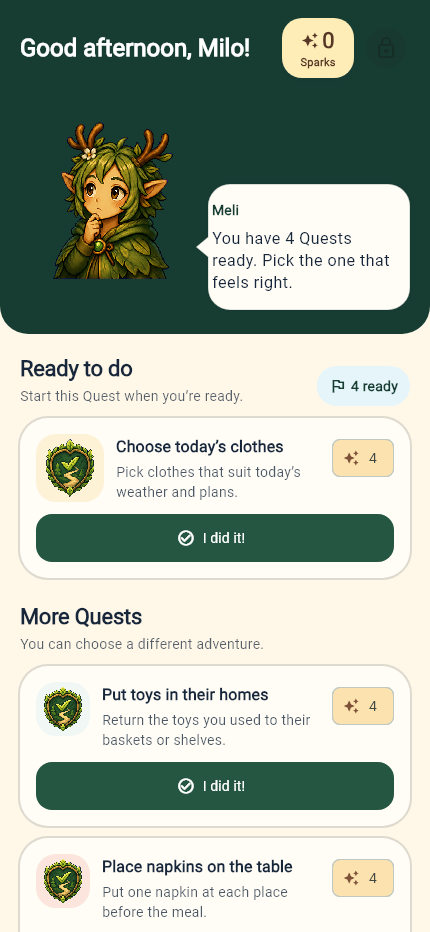
Meli helps your child find the next Quest in My Day.
For everyday family life
Turn everyday chores into Quests. You approve the effort; your child earns Sparks toward family-chosen rewards and grows their Village.
See how it worksAndroid • Currently in Closed Testing • Purchases not available
The idea
Add a task and your instructions. Inside the app, it’s a Quest.
Your child follows My Day and sends you finished Quests.
Review the work sent to you. Approve it or return it with a note.
Approved Quests earn Sparks toward rewards and help the Village grow.
For parents
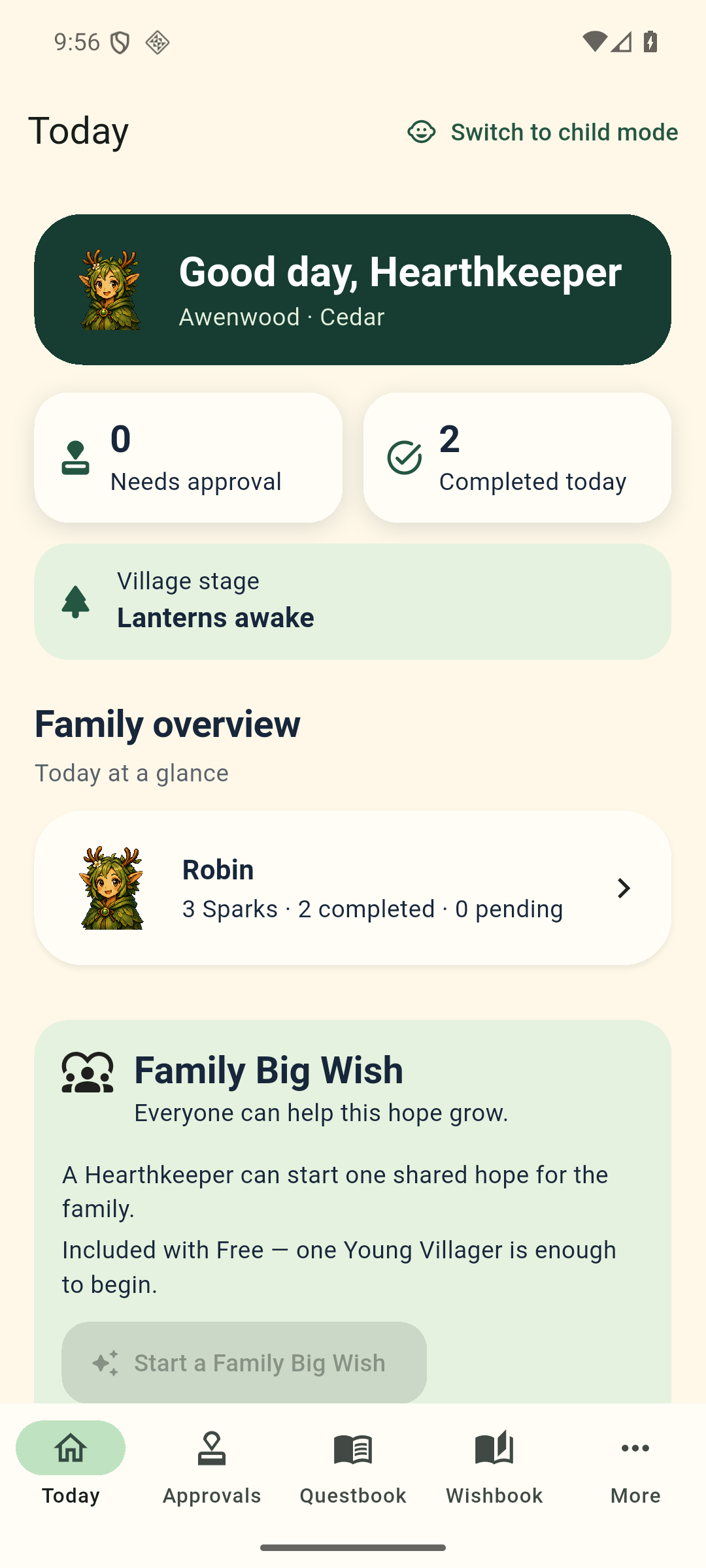
Choose tasks and rewards, then approve completed Quests in your protected parent view.
Free includes morning, after-school and bedtime routines.
Explore the family tools →Real effort, a world to return to
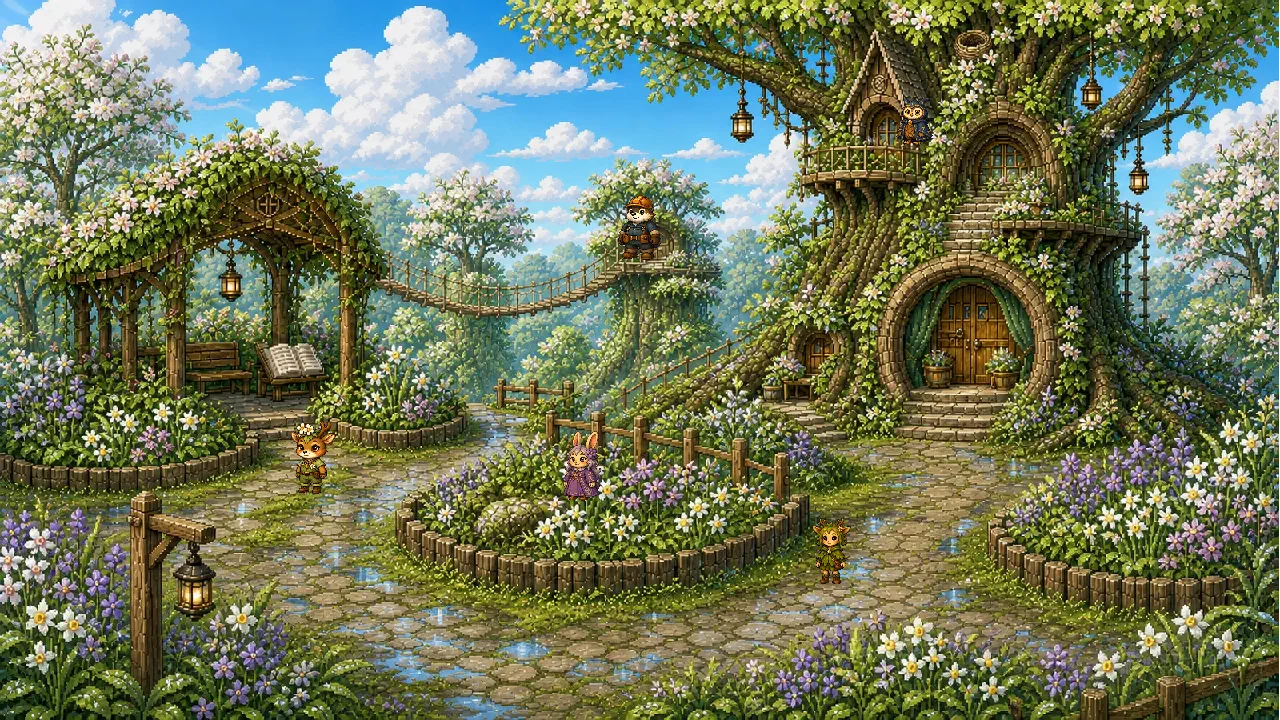
Approved Quests grow your child’s Village. Spending Sparks on a Wish never takes that growth away. Sometimes there’s a resident doing something new, a seasonal moment or a short activity to discover. These visits are optional; progress still comes from real-world tasks you approve.
Some moments stay with the Village. The Memory Book keeps selected milestones—such as a first Wish, a story discovery or a shared Village moment—to look back on together.
Book One unfolds through real Quest and Village progress: four chapters and 37 illustrated pages with the residents children already know. Discoveries in the story connect back to their Village.
The same Book One is included with Free and Premium, in English and Canadian French, with three reading presentations for ages 5–6, 7–8 and 9–12. Reading earns no extra Sparks.
Children arrange the Village objects they have earned, and move them again whenever they want. Parents choose character portraits and automatic or manual seasonal themes.
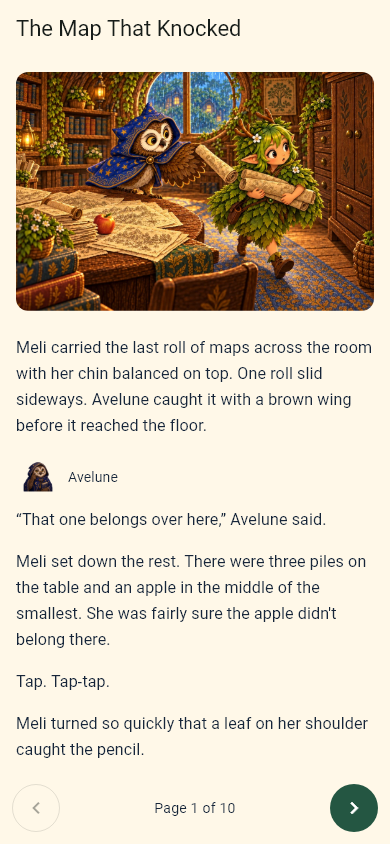
Meli helps your child find the next Quest in My Day.

Torven looks after Village growth and the things your child can place.
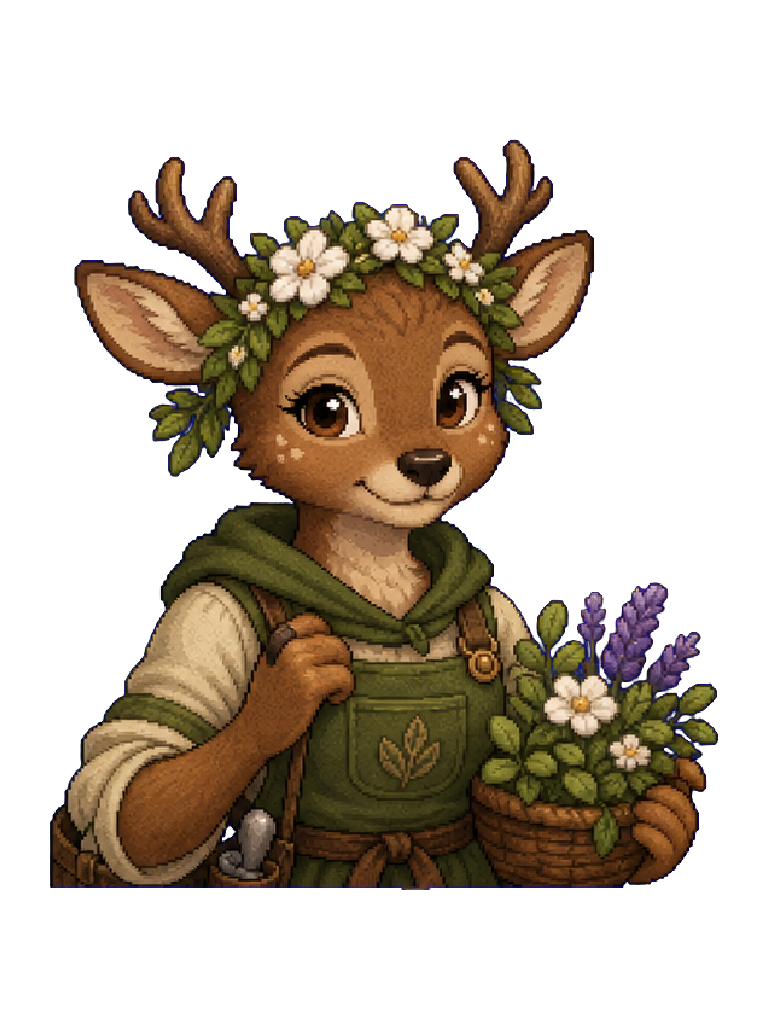
Virelle brings gardens, seasons and small changes in Village life into view.
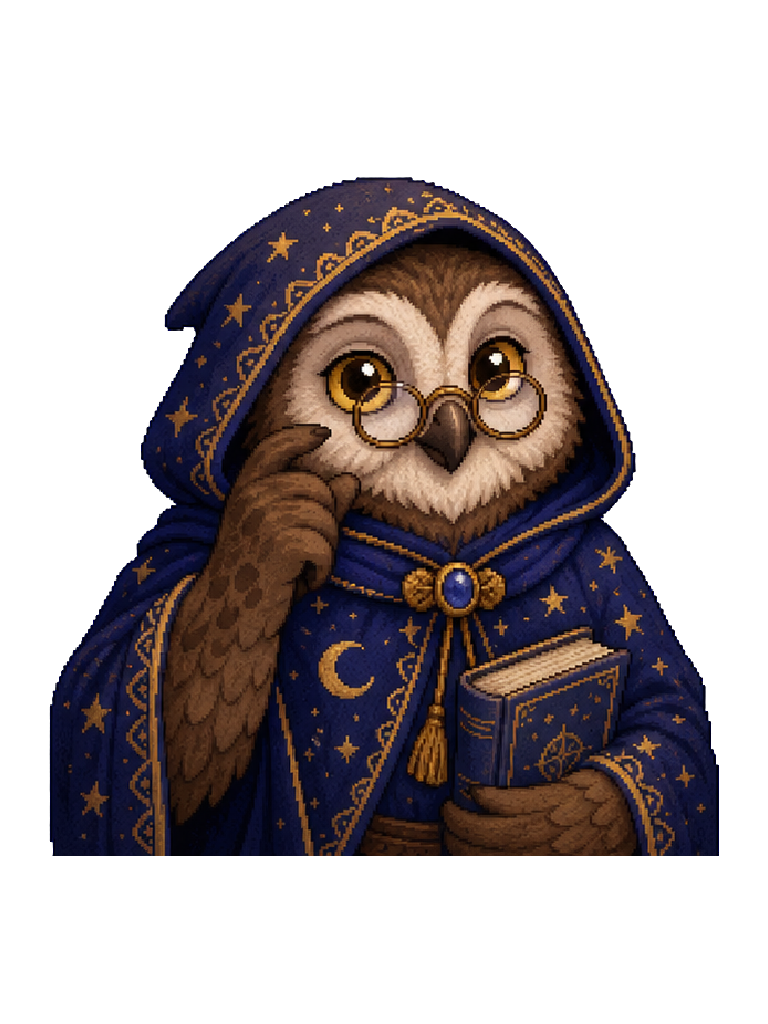
Avelune connects maps and discoveries with the illustrated Storybook.
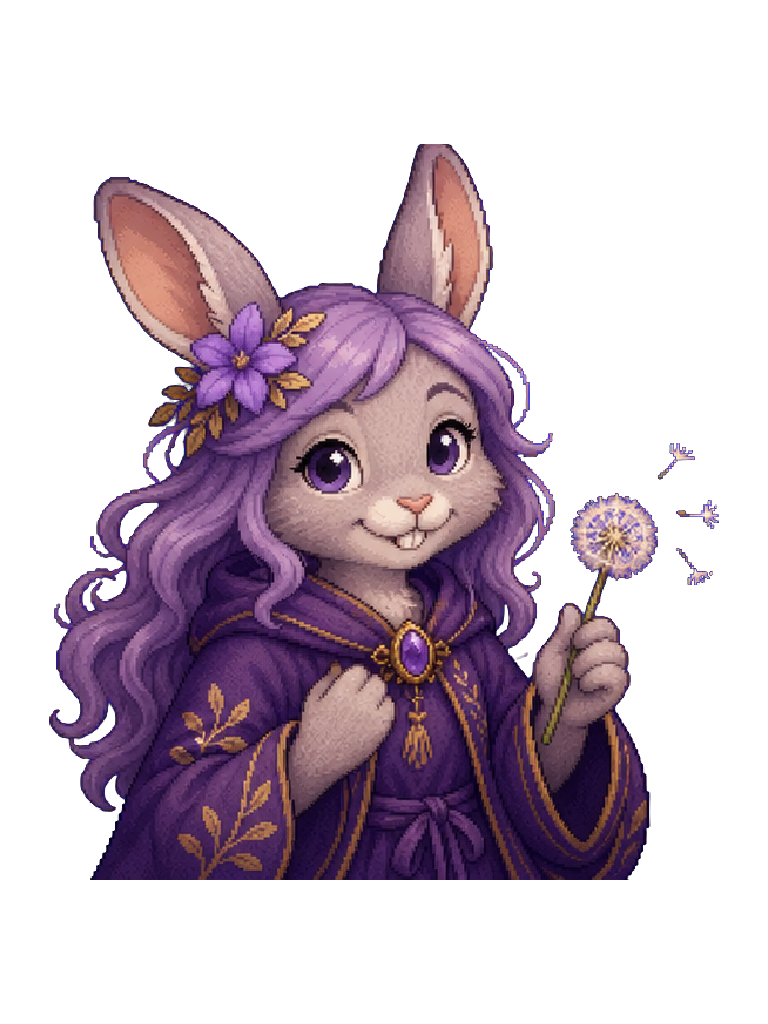
Merrin helps make sense of Sparks, rewards and your family’s Wishes.
There are more residents still to meet.
The rewards
Approved Quests earn Sparks. Your child saves them toward Wishes—rewards you choose together—or a shared Family Big Wish.
Privacy and parent control
Get Awenwood Premium with one planned purchase. No monthly or annual Founding Edition fees. Purchases are not available yet.
Pay once, without recurring Founding Edition fees.
Includes future Awenwood Premium updates.
Family feedback guides what comes next.
This offer covers Awenwood, not every future Flying Monkey Workshop product or service.