For parents
Create tasks, review completed work, choose rewards and keep track of family progress.
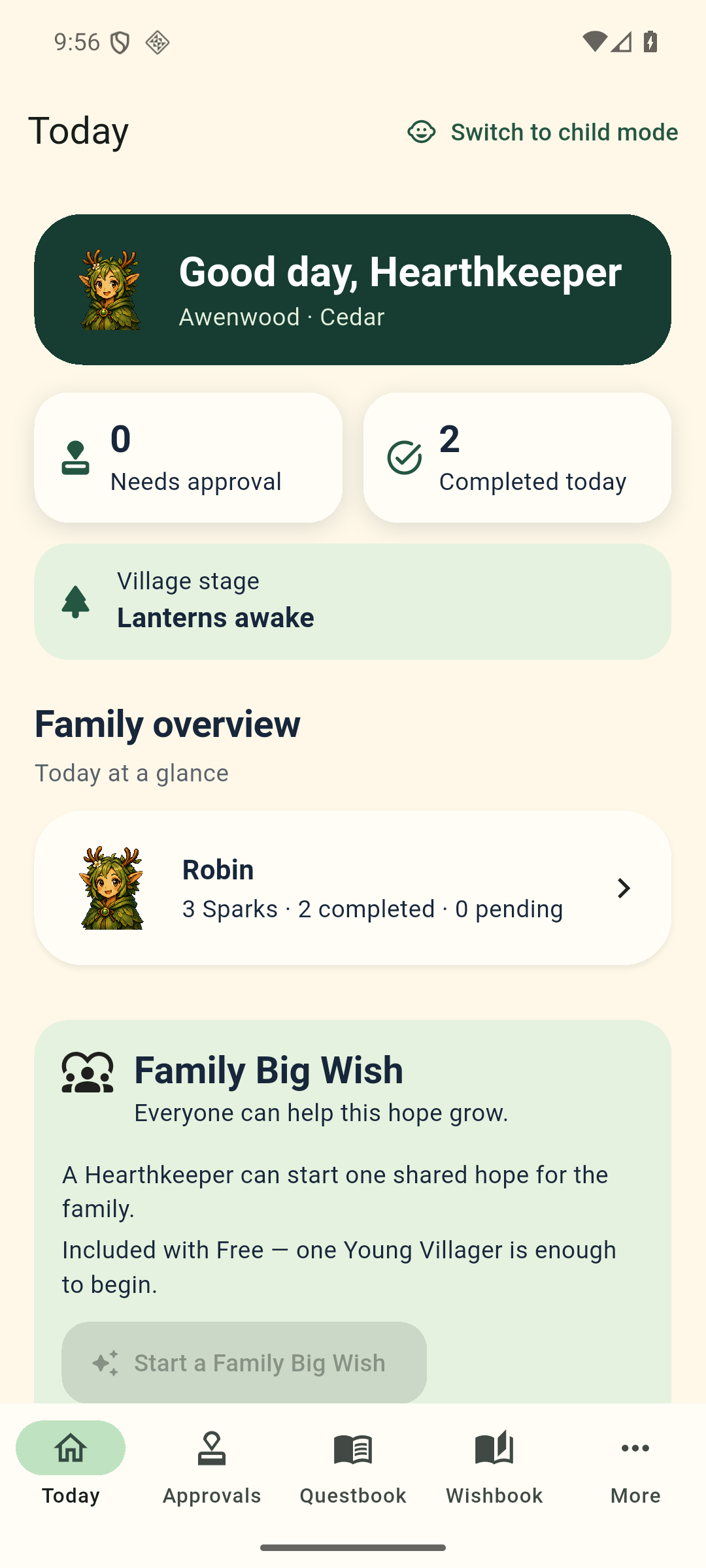
Tasks, rewards and the two views
You organize the tasks. Your child does them. You review the work before awarding points. Here are the names you will see in the app.
Create tasks, review completed work, choose rewards and keep track of family progress.
See what’s ready to do, follow Meli’s guidance and send finished tasks for approval.
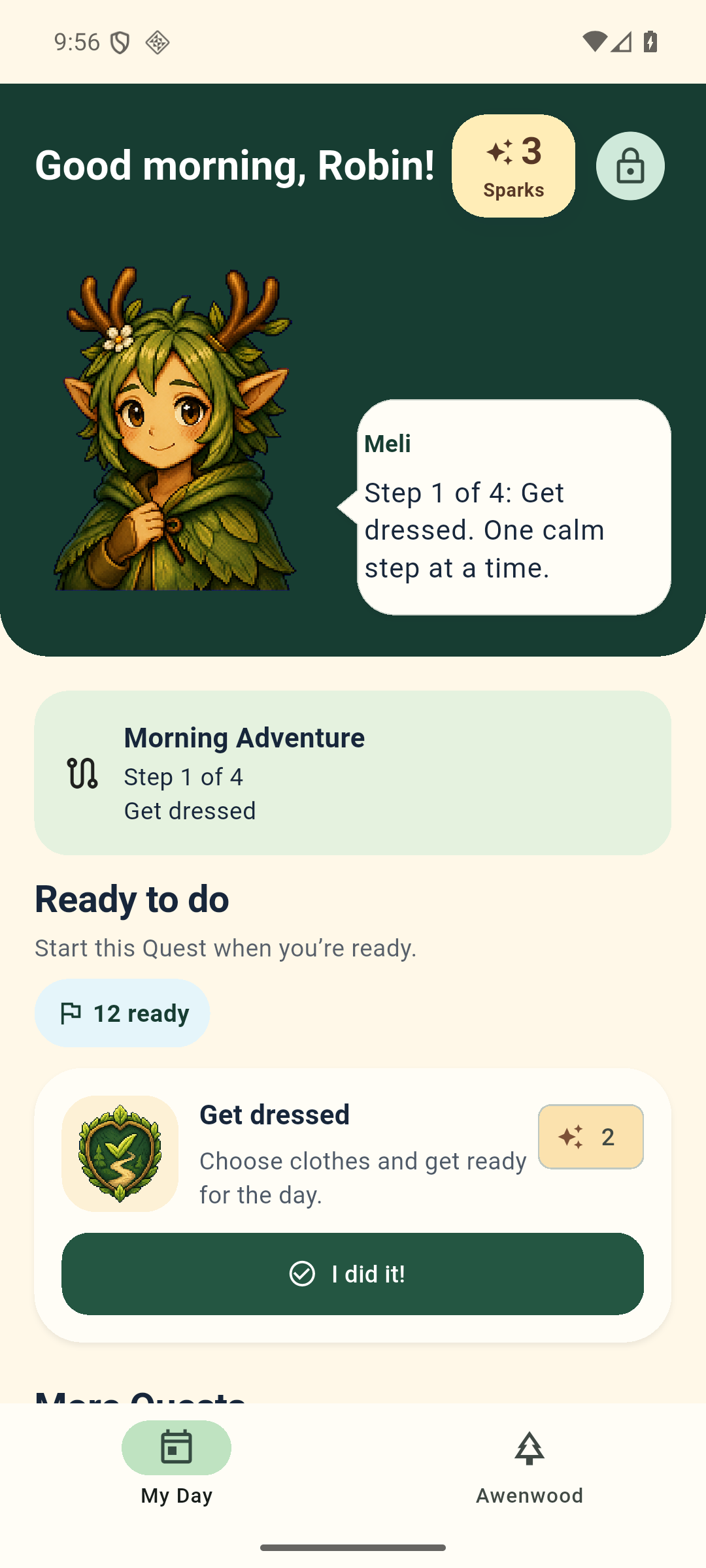
Awenwood uses a few names for familiar things. Here’s what they mean.
The parent side is called Hearthkeeper. The child side is called Young Villager. Meli is the character who guides children, and their list of ready tasks is called My Day.
A task or chore becomes a Quest. When your child finishes it, they send it to you for approval. Points are awarded only after you approve the work.
Awenwood calls its reward points Sparks. A reward or goal your family chooses is called a Wish. Sparks are earned in the app and cannot be bought.
Approved tasks also help the Village grow. Spending points on a Wish does not reduce that progress.
Add a task and your instructions. Inside the app, it’s a Quest.
Ready Quests and routines appear in My Day.
Review the work sent to you. Approve it or return it with a note.
Approved Quests earn Sparks toward rewards and help the Village grow.
A Routine Adventure groups tasks that repeat together. Free includes three built-in routines: Morning, After-School and Bedtime. Each task earns its usual Sparks after you approve it.
Premium adds custom routines and advanced schedules. Purchases are not currently available.
Your private family group is called a Huddle. An adult approves which devices can join. Core features keep working offline and sync again when the connection returns.
Families can also work toward a shared Family Big Wish once their devices are connected.
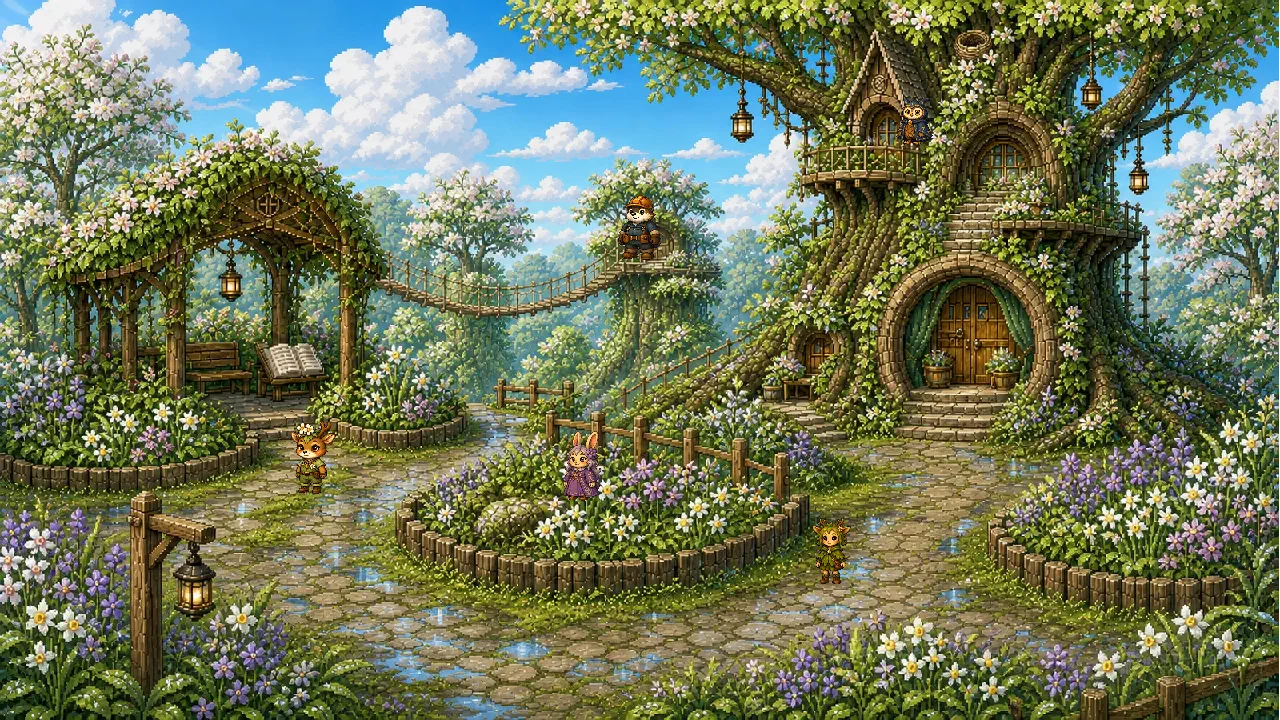
Meli and the other residents live in your child’s illustrated Village. The tasks you approve help it grow and change. Using points for a reward never takes that progress away.
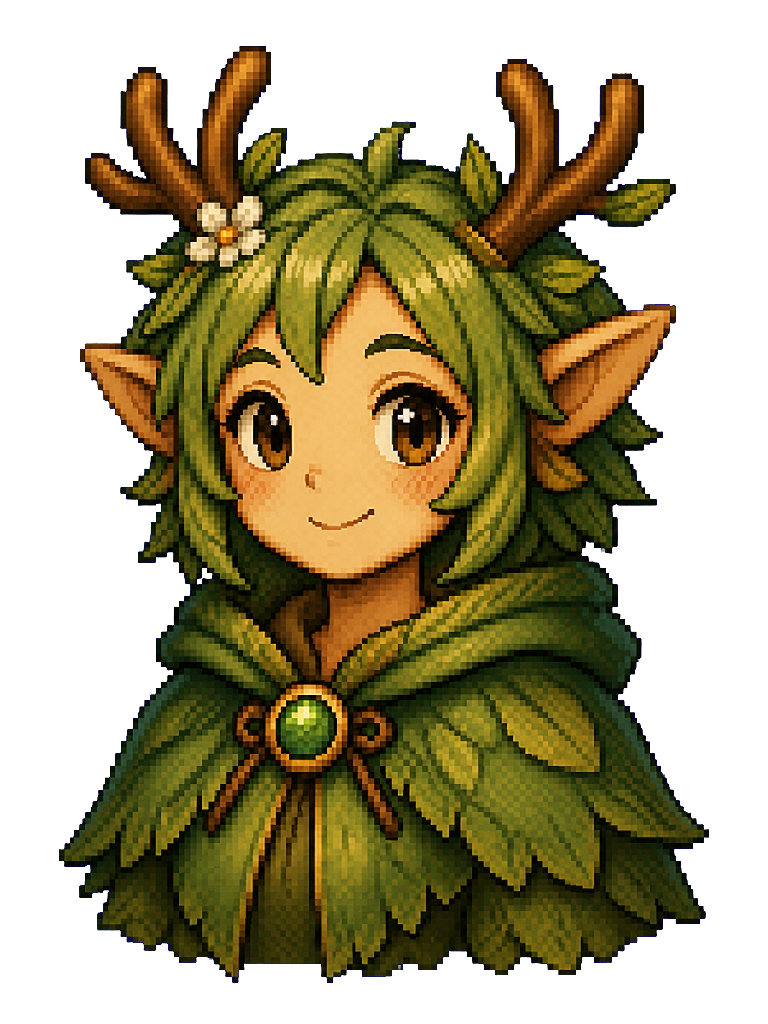
I’m Meli. I help young villagers find their next Quest and take the day one step at a time.
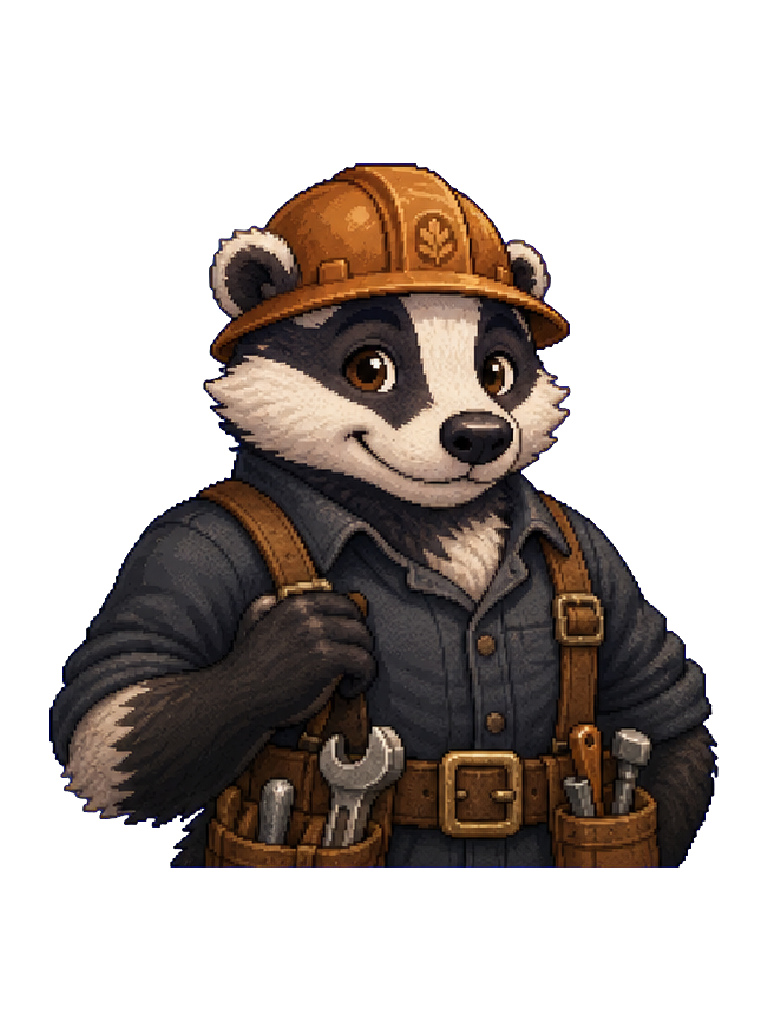
I’m Torven. I look after the bridges and paths that connect our Village.
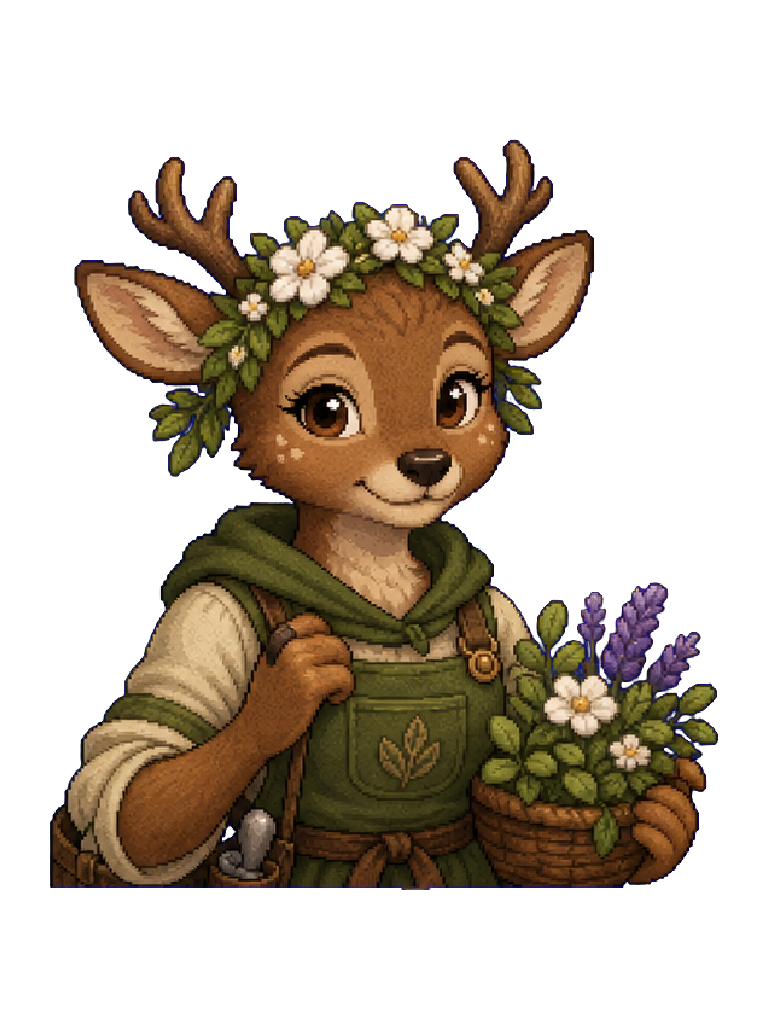
I’m Virelle. I tend our gardens and keep an eye out for every new little shoot.
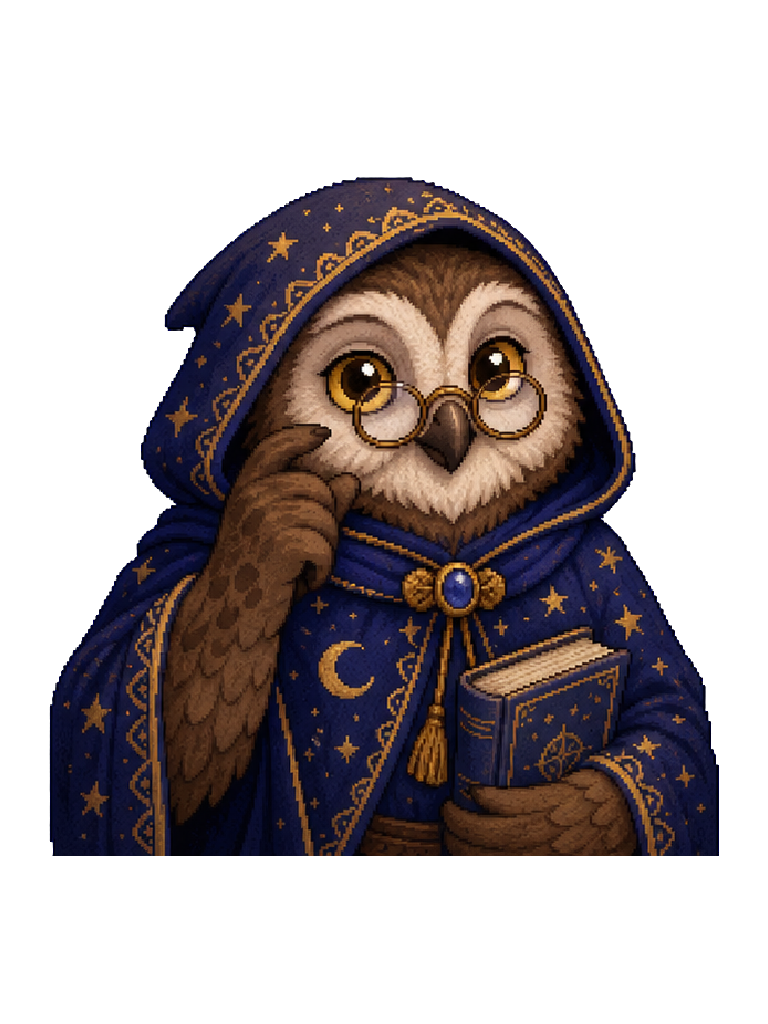
I’m Avelune. Up in the Great Tree, I keep the Village’s stories and memories safe.
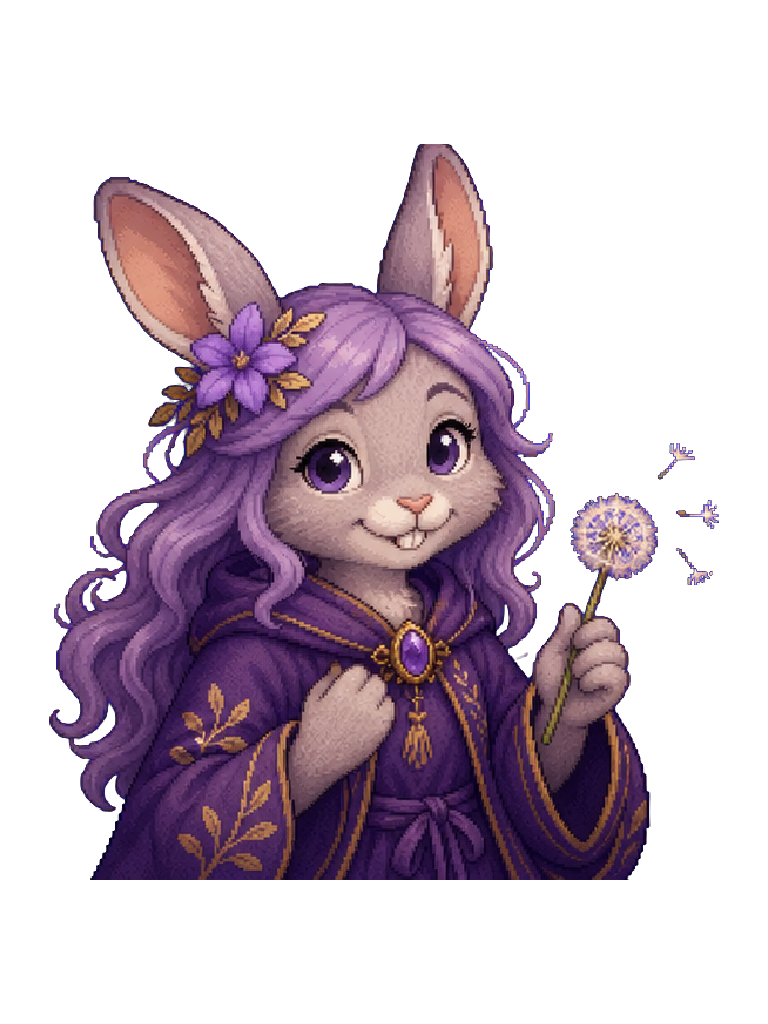
I’m Merrin. I care for Wishes, Big Wishes and the hopes behind them.
There are more residents still to meet.